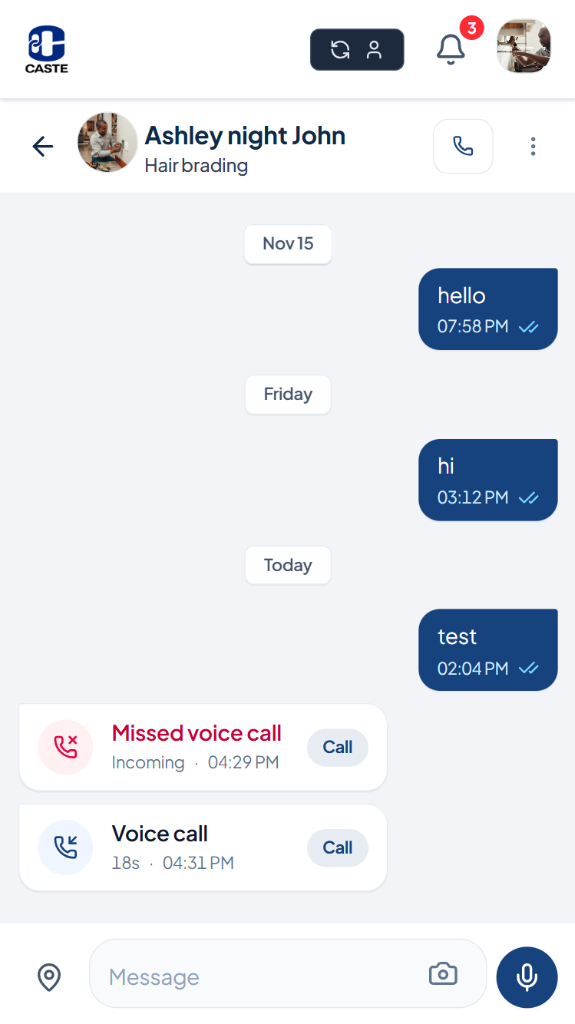
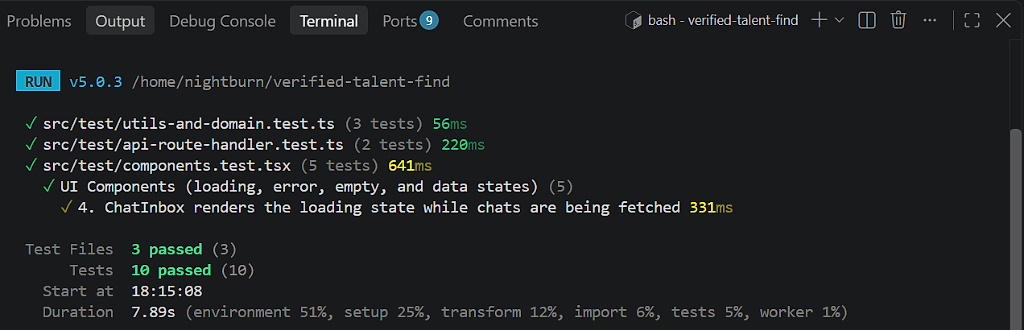
In Part 1, we built a real-time chat system with WebSockets, voice notes, and zero leaked UUIDs. But when an artisan is standing outside an estate gate in Lagos trying to get a security code, nobody wants to type paragraphs. They want to press a Call button and talk.
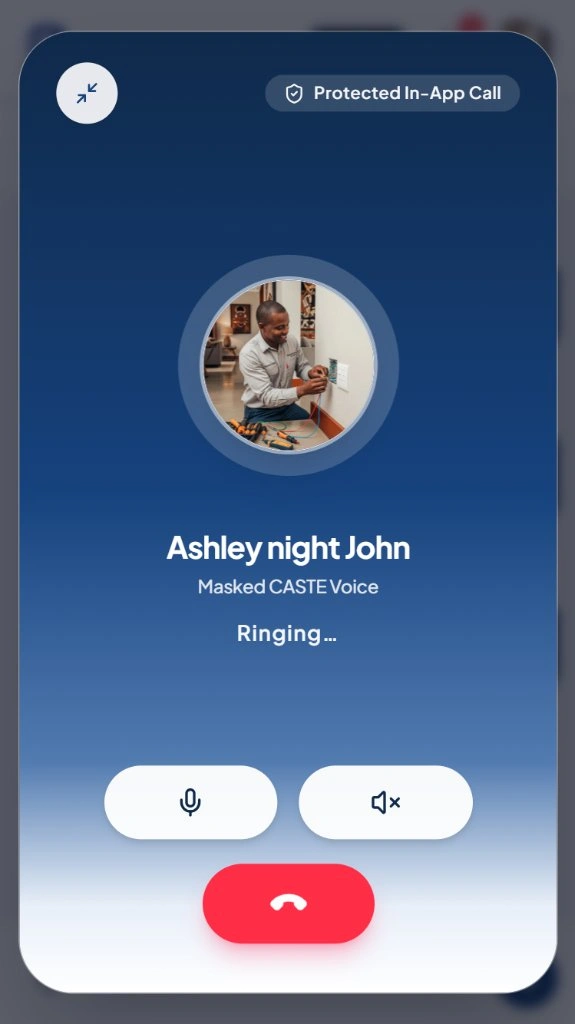
There's just one problem: if you hand out raw personal phone numbers before a job is completed, two bad things happen—privacy disappears, and transactions leak off-platform, bypassing escrow protection. The solution? **Protected, masked in-app voice calling** powered by `@twilio/voice-sdk` (WebRTC), where neither party ever sees the other person's phone number.
1. How a Masked WebRTC Call Actually Connects
When a signed-in customer or artisan loads the app, `VoiceCallOverlay.tsx` boots up `ensureDeviceRegistered()` in our global voice store (`voice-call-store.ts`). Here is the exact handshake:
- 1. Token Minting: The client requests a short-lived WebRTC access token from `POST /api/v1/calls/token/` with `{ platform: 'web' }`.
- 2. Device Registration: We dynamically load `@twilio/voice-sdk`, instantiate a `Device` configured with `Opus` and `PCMU` audio codecs, bind event listeners, and call `device.register()`.
- 3. Zero-Drop Token Refresh: Before the token expires, Twilio fires `tokenWillExpire`—our store quietly fetches a fresh token in the background and calls `device.updateToken(newToken)` so active calls never drop.
- 4. Dialing by `chat_id` Only: When you tap Call inside an accepted chat (`chat.status === 'accepted'`), we verify microphone permissions up front and call `device.connect({ params: { chat_id: String(chatId) } })`. The backend TwiML application looks up the counterparty in that `chat_id` and rings their registered device—zero phone numbers exchanged.
2. Bug #1: When `@twilio/voice-sdk` Meets Server-Side Rendering
If you import `@twilio/voice-sdk` at the top of a file in an SSR framework like TanStack Start or Next.js, your server build will immediately explode. Why? Because the SDK eagerly references browser-only WebRTC globals (`window`, `RTCPeerConnection`, `AudioContext`, `navigator.mediaDevices`) at module evaluation time.
To keep SSR happy, we never top-level import the Twilio SDK. Instead, `voice-call-store.ts` loads it lazily via `await import('@twilio/voice-sdk')` inside a strict `typeof window !== 'undefined'` guard, and `<VoiceCallOverlay />` is mounted inside `<ClientOnly>` in `__root.tsx`.
3. Bug #2: The Call That Hung Up When You Checked the Job Brief
In the earliest prototype, the call modal lived inside `JobChat.tsx`. That created two hilarious (and terrible) UX bugs: first, you could only receive an incoming call if you happened to be staring at that exact chat thread at that exact second. Second, if you were on a call and tapped 'Back' to check the job's escrow quotation or map address, `JobChat.tsx` unmounted—and hung up the call!
"A voice call is an app-wide session, not a local component state. If your call dies when the URL changes, your state lives in the wrong place."
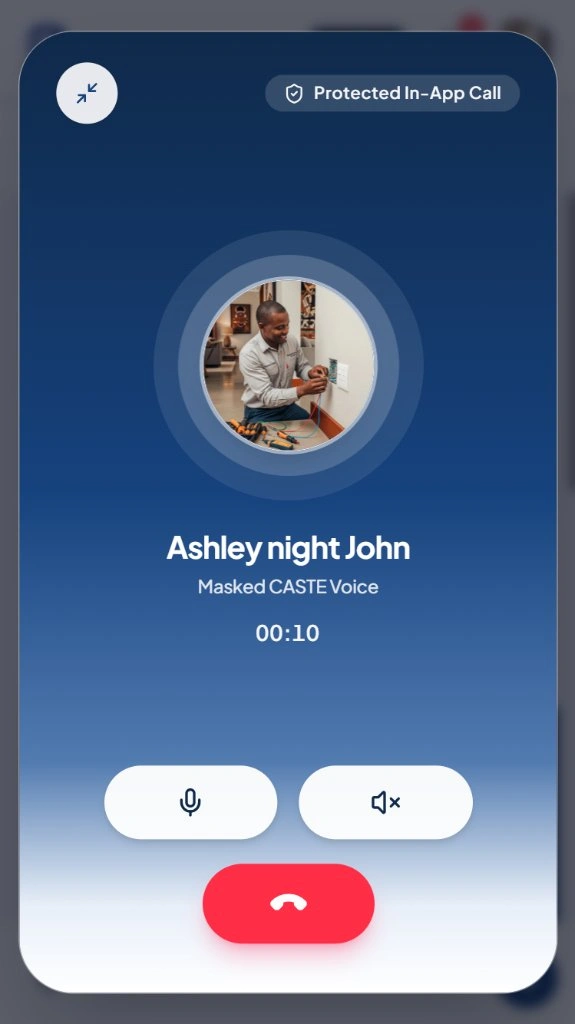
Moving the entire `Device` and active `Call` instance into a singleton Zustand store (`voice-call-store.ts`) and mounting `VoiceCallOverlay.tsx` at the root layout fixed both problems permanently. Now, incoming calls (`device.on('incoming', call)`) can ring on *any* page in the app, and tapping the top-left minimize button collapses the call into a floating top pill so you can browse job details, quotations, or maps while talking.
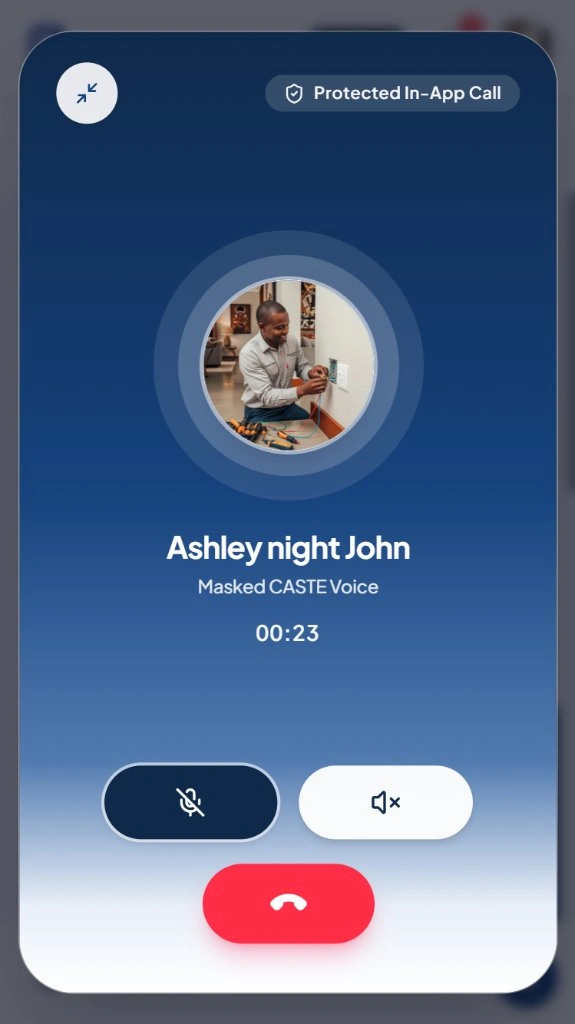
4. Five Production Edge Cases Nobody Warns You About
- Silent Background 503s vs. Explicit Call Clicks: If `/api/v1/calls/token/` returns `503` on initial page load (e.g., in a local dev environment without Twilio credentials), flashing a red error toast on every page refresh is obnoxious. Background registration (`ensureDeviceRegistered(false)`) transitions silently to `deviceState: 'unavailable'`. Only when the user actively taps Call (`ensureDeviceRegistered(true)`) do we surface a friendly toast.
- The Safari vs. Chromium Speaker Button (`setSinkId`): Switching audio output via `device.audio.speakerDevices.set(...)` relies on `HTMLMediaElement.setSinkId`, which Chromium supports but Safari and Firefox restrict. We guard speaker switching behind `twilioDevice?.audio?.isOutputSelectionSupported` so unsupported browsers degrade gracefully instead of throwing unhandled promise rejections.
- Enriching Incoming Caller Identity on the Fly: Incoming WebRTC call invites carry `call.customParameters`, which don't always include the caller's latest display name or avatar. While the phone is ringing, `resolveIncomingCallerInfo` asynchronously queries `GET /api/v1/chats/{id}/` and `/calls/` to hydrate the caller's real name and photo in real time.
- Auto-Rejecting Call Waiting Collisions & Syncing Chat Call Logs: If an incoming call arrives while you're already on an active call, the store automatically rejects the second invite so two WebRTC audio streams never collide. When any call ends (`disconnect`, `cancel`, `reject`), the store dispatches `data-changed` for `/calls/` and `/chats/`, rendering the new `<CallLogBubble />` inline in the chat thread.
- Scorched-Earth Logout Cleanup (`destroyDevice`): If a user logs out or switches between Customer and Artisan roles on the same browser, leaving the Twilio `Device` registered would route incoming calls to the wrong account. `VoiceCallOverlay` watches `(isAuthenticated, userId, userRole)` and immediately runs `destroyDevice()`—hanging up active calls, unregistering from Twilio, and tearing down the WebRTC instance.