Every product roadmap has that one bullet point that sounds deceptively innocent in a planning meeting: 'Let the customer and the artisan chat.' Easy, right? Drop an input box at the bottom of the screen, hit a POST endpoint, and call it a day.
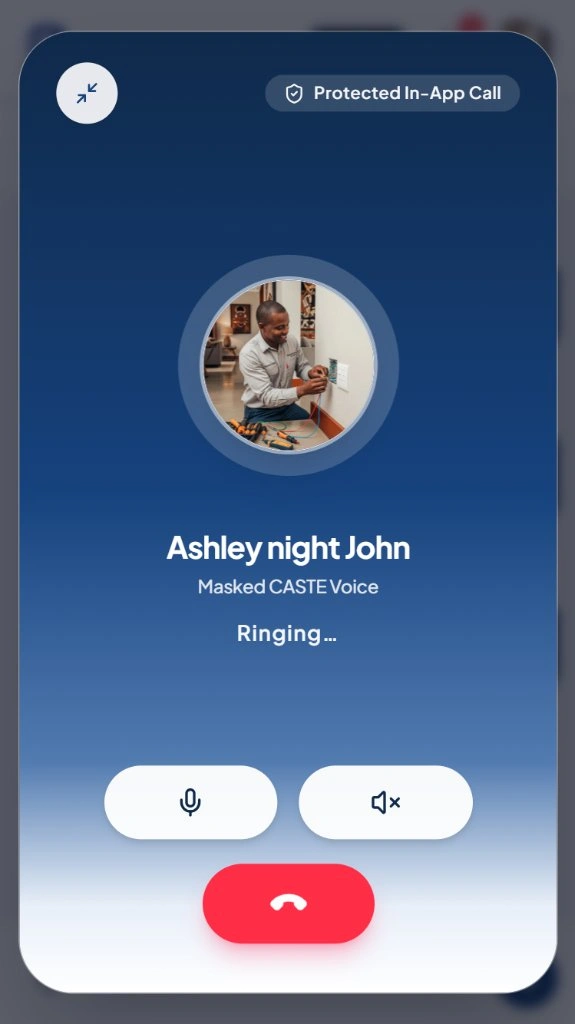
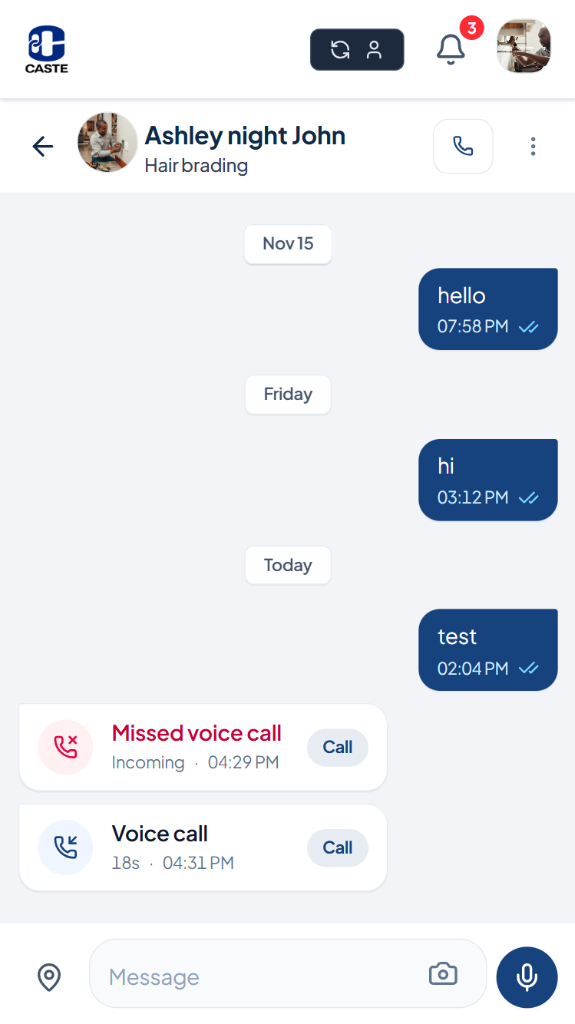
Except in a real-world service marketplace, nobody chats in plain ASCII paragraphs. A customer trying to explain a broken inverter or a hair-braiding style wants to send a 12-second voice note, attach three photos, drop a live location pin, see when the artisan is online and typing, and tap a one-click 'Call back' card right inside the message stream.
1. The Chat Lifecycle: You Can't Just Slide Into Anyone's DMs
To keep spam and off-platform solicitation out of the marketplace, messaging and calling are strictly gated by job state. A thread begins life via `POST /api/v1/jobs/{id}/initiate-chat/`, which binds the conversation to a specific job brief. Until the counterparty accepts (`POST /api/v1/chats/{id}/accept/`), the composer and call triggers stay locked. Once `status === 'accepted'`, the full communication suite unlocks.
- JobChat.tsx — The main thread engine: date-grouped message stream, voice note recorder, photo picker, GPS location card sender, and an in-chat dispute trigger.
- ChatInbox.tsx — The conversation list with live unread badges (`unread_messages_count`) and automatic read-receipt syncing when `GET /api/v1/chats/{id}/` loads.
- Specialized Message Bubbles — `VoiceNoteBubble.tsx` (audio playback with waveform visualization), `LocationBubbleCard.tsx` (interactive map pin cards), and `CallLogBubble.tsx` (inline incoming, outgoing, missed, and declined call history with duration and instant call-back).
2. The Multipart Voice Note & Summary Response Plot Twist
If you have ever recorded audio in a browser, you know that Safari, Chrome, and Firefox refuse to agree on a single audio container. One wants `audio/webm`, another insists on `audio/mp4`, and a third prefers `audio/ogg`.
In our voice recorder, we feature-detect `MediaRecorder.isTypeSupported(...)` at runtime to pick the cleanest supported codec, enforce a strict 5 MB payload cap before the network request ever fires, and package text, images, and audio blobs through `chat-message-body.ts` as `multipart/form-data`.
"Pro tip: when sending FormData through a custom fetch wrapper, delete your default 'Content-Type: application/json' header—otherwise the browser won't attach the multipart boundary and your backend parser will silently cry."
There was one more catch: `POST /api/v1/chats/{id}/send-message/` returns a lightweight `Chat` summary object rather than the full `FullChat` message array. So immediately after a successful send, our mutation hook chains a background `GET /api/v1/chats/{id}/` refetch so the newly minted message, server timestamp, and media URL snap into the thread without a page reload.
3. Three WebSocket Streams and a 30-Second Heartbeat (`websockets.ts`)
Polling a chat endpoint every 3 seconds is a great way to drain mobile batteries and DDoS your own server. Instead, `websockets.ts` coordinates three purpose-built WebSocket hooks:
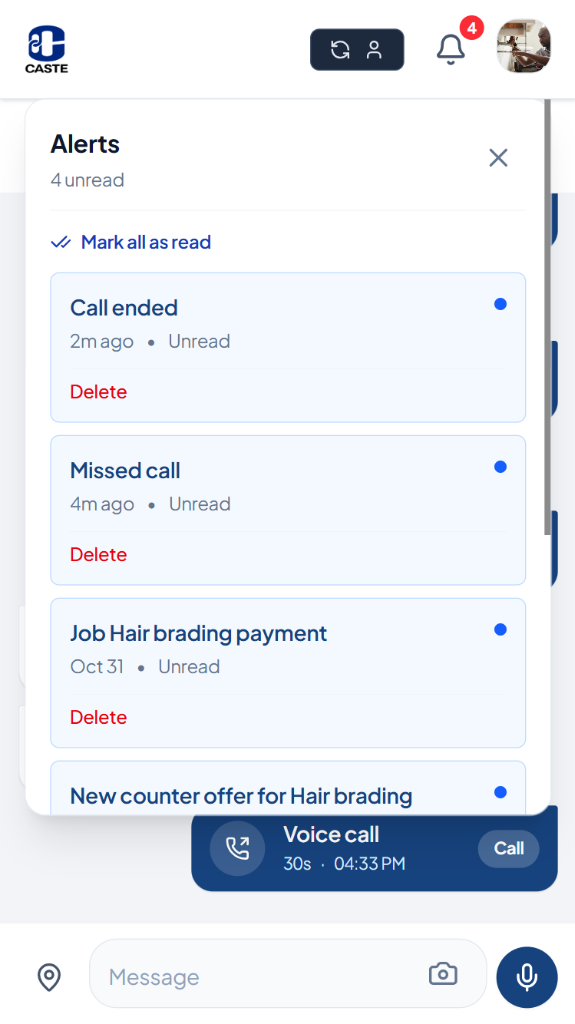
- Global Notifications & Presence (`/ws/notifications/?token=...`): Mounted once at the root layout (`__root.tsx`). It maintains a 30-second ping/pong heartbeat, reconnects with exponential backoff when mobile networks drop, updates live online/offline dots via `usePresenceStore`, and whenever a `chat_alert` or `chat_request` frame arrives, invalidates React Query caches and dispatches a global `data-changed` event.
- Live Typing Indicators (`useChatTypingSocket`): Streams ephemeral `'typing…'` states inside the active conversation so you know the other person is actually replying.
- Live En-Route GPS Streaming (`useJobLocationWebSocket`): Activates when an artisan taps 'I am on my way' (`status: 'en_route'`), streaming real-time coordinates straight into the job and chat view.
4. Hunting Down the UUID Ghosts (`use-chat-participant.ts`)
Early on, some chat payloads returned raw UUIDs (`customer`, `artisan`), generic placeholder strings, or fallback brand logo paths instead of a human name and photo. Nothing screams 'unfinished beta' faster than getting a message from `aaaaaaaa-4f2b-11ef`.
I built `use-chat-participant.ts` as a defensive identity resolver: it runs candidate strings through `isValidPersonName` (which rejects UUID regexes and generic role labels), cascades gracefully across enriched chat fields → linked job payloads → profile endpoints, caches resolved identities in both memory and `localStorage`, and preloads the avatar image—falling back to crisp typographic initials if an image URL 404s.